NewKeeps your home's shape, changes the style
AI House Exterior Design
for your real home
Upload a photo of your house, pick a style and see your own home with a new exterior in seconds. No design skills, nothing to install.
- Free to try
- Works on your phone
- Results in about 15 seconds
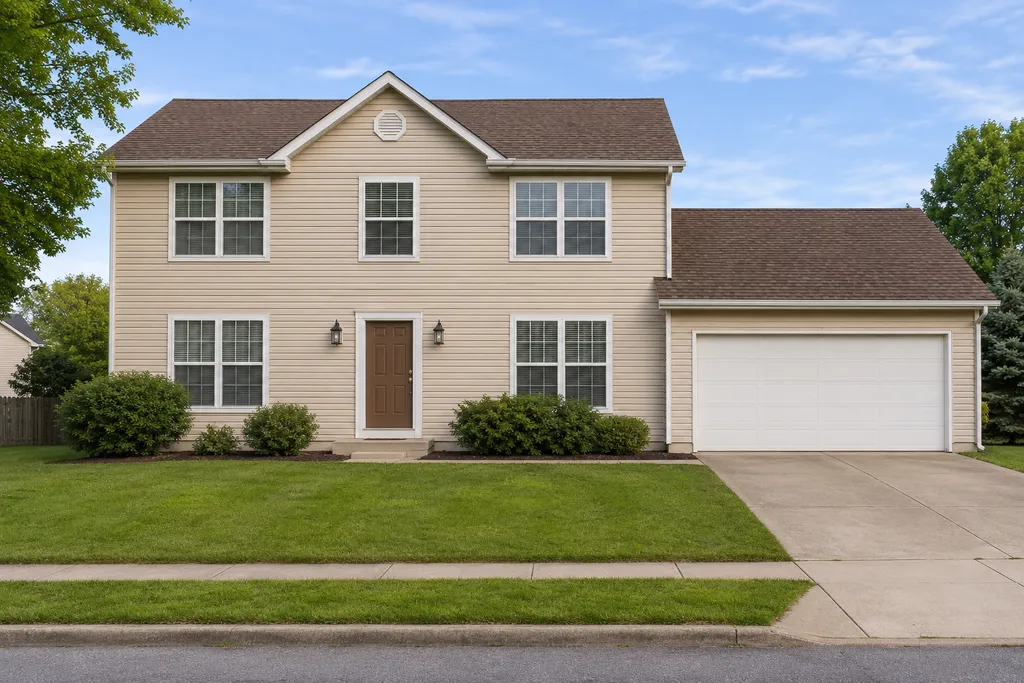
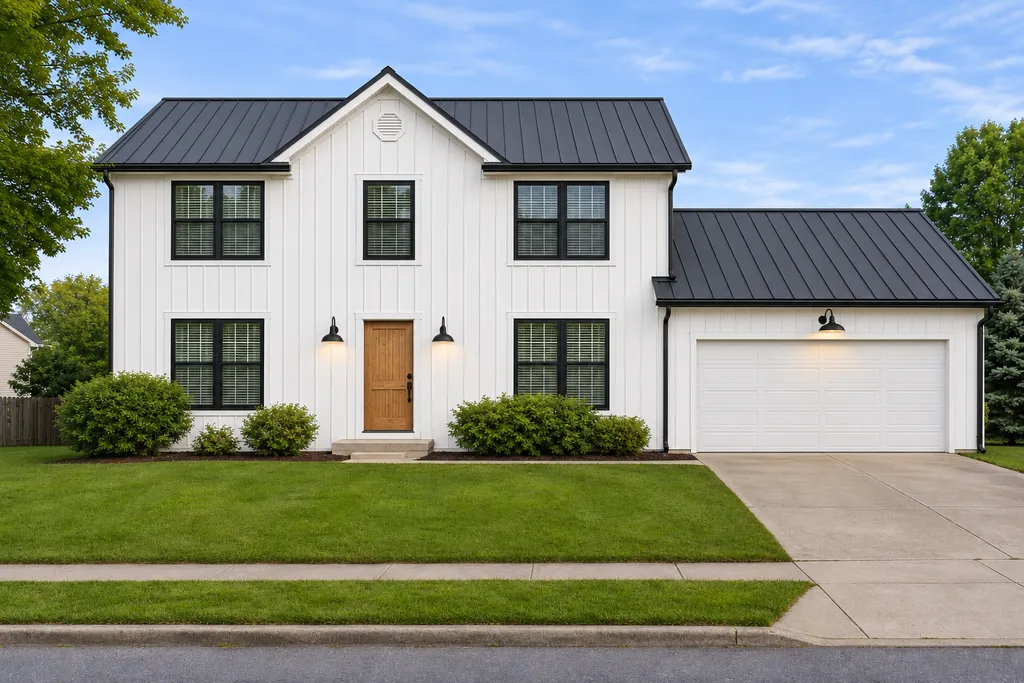
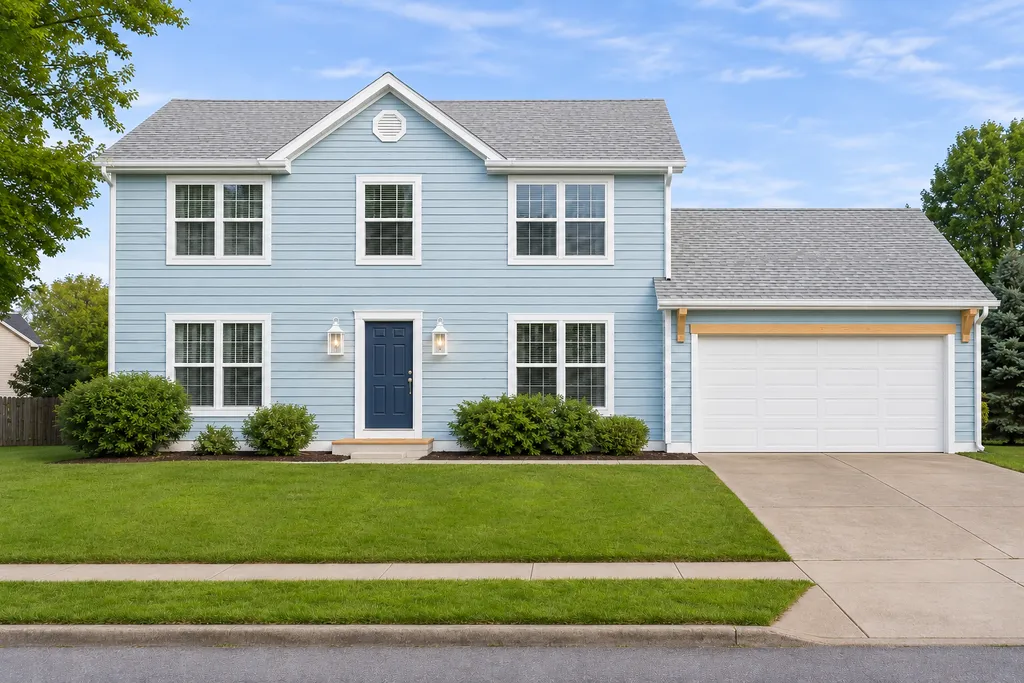
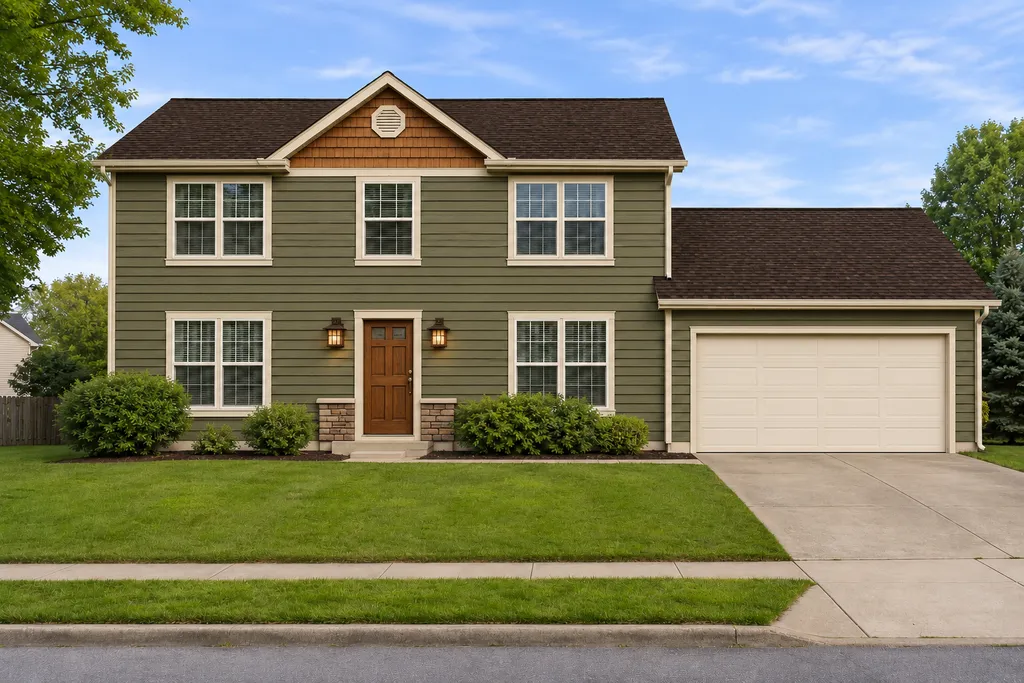
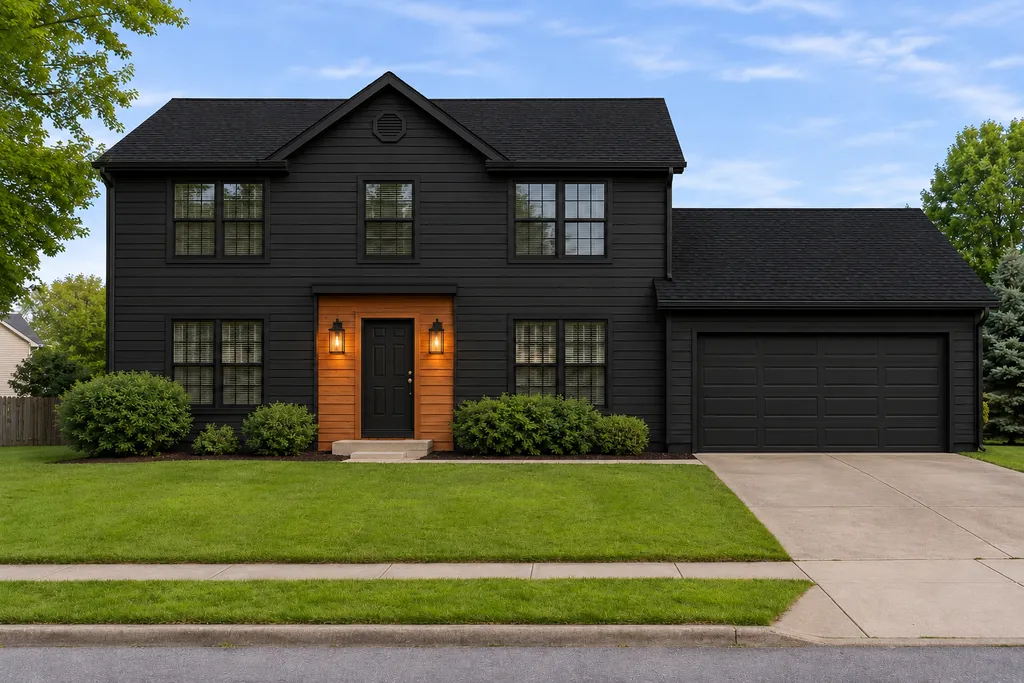
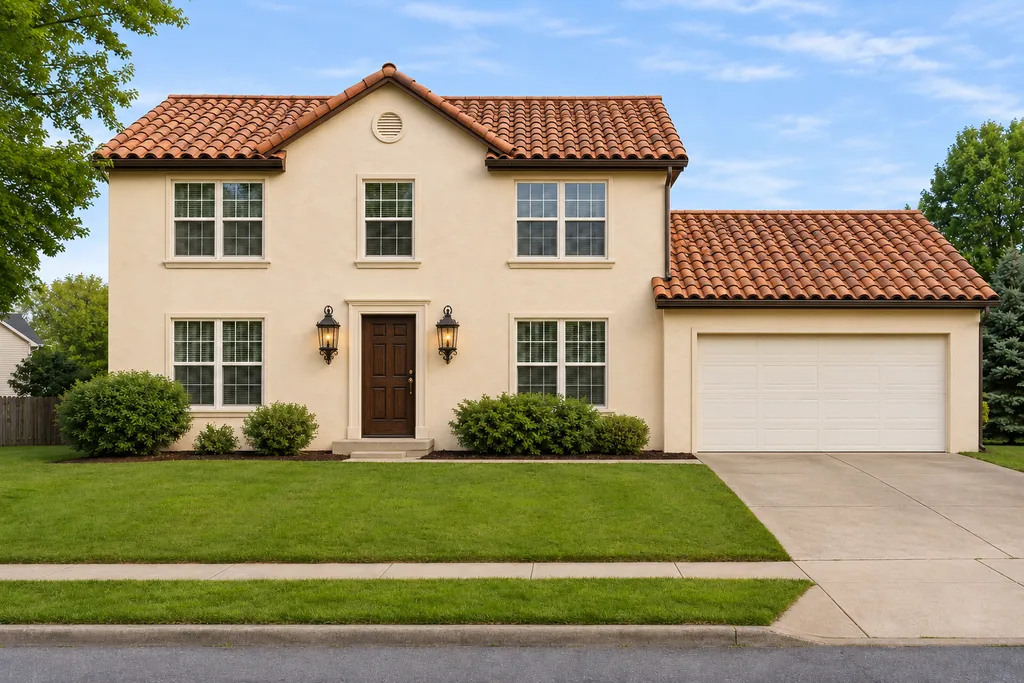
Upload a photo of your house
Then pick a style and see your home with a new exterior.
- Shoot the front of the house straight on, in daylight
- Keep the whole house in the frame
- Avoid cars or trees blocking the walls
Your photo is only used to make your design.
Or change one thing at a time
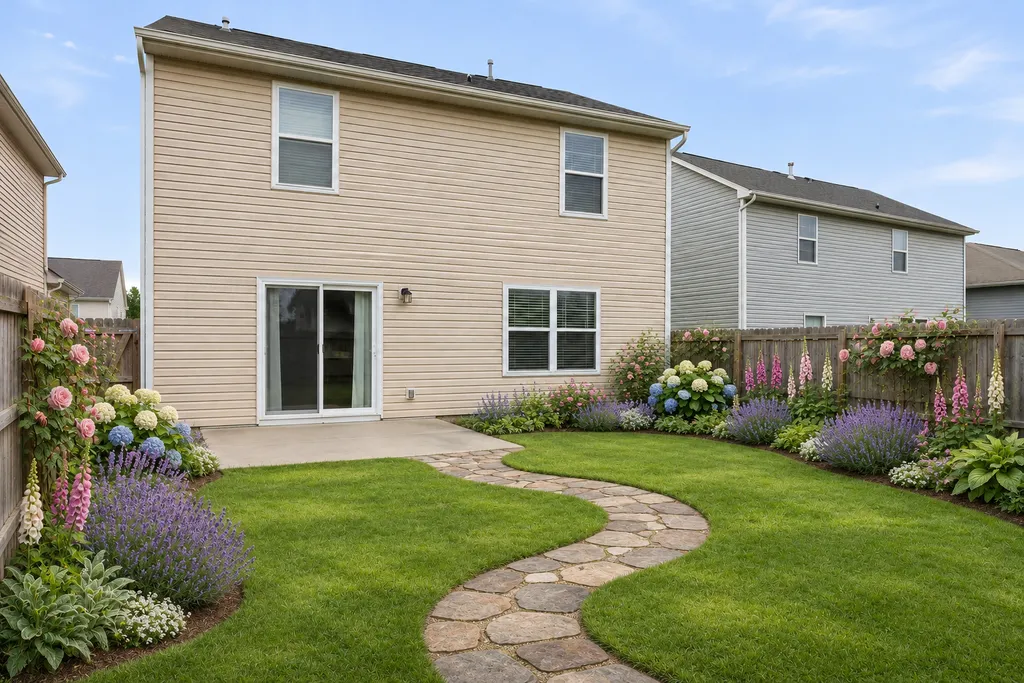
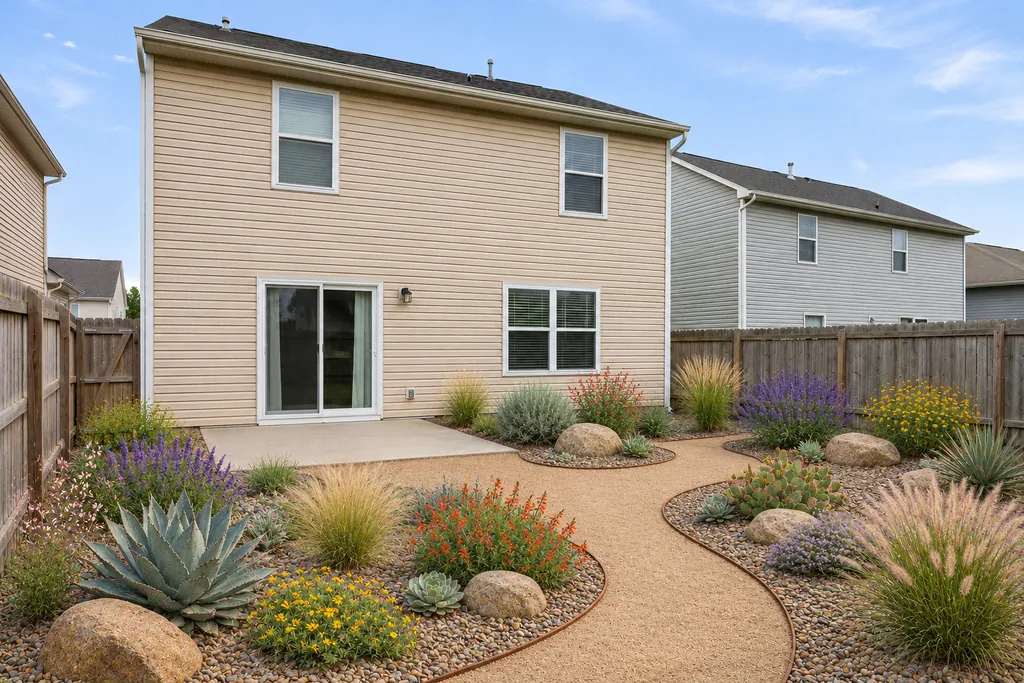
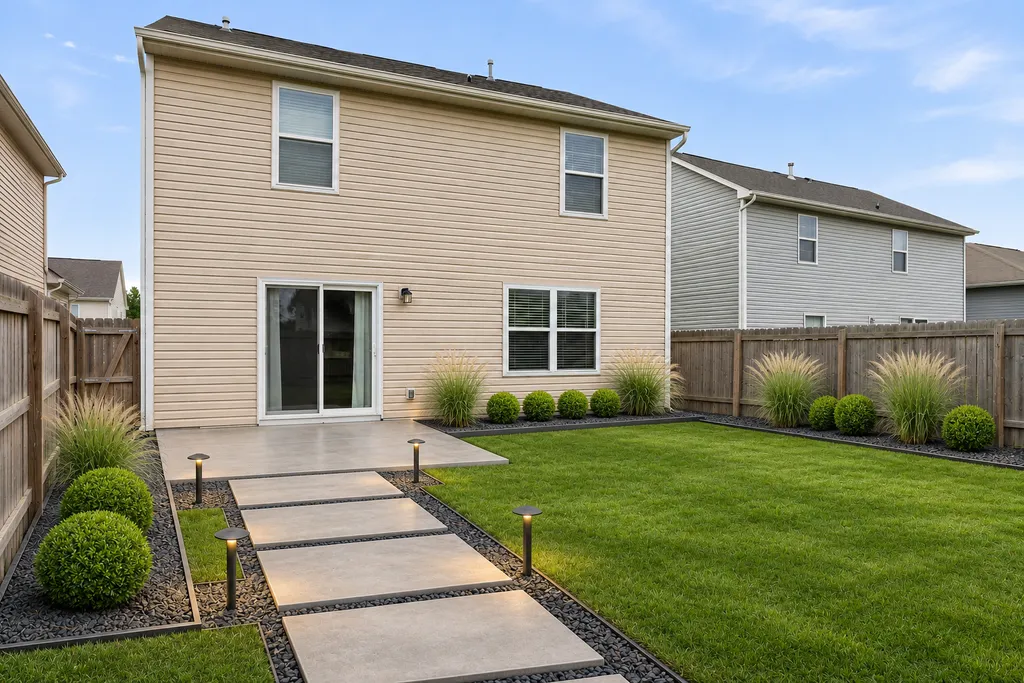
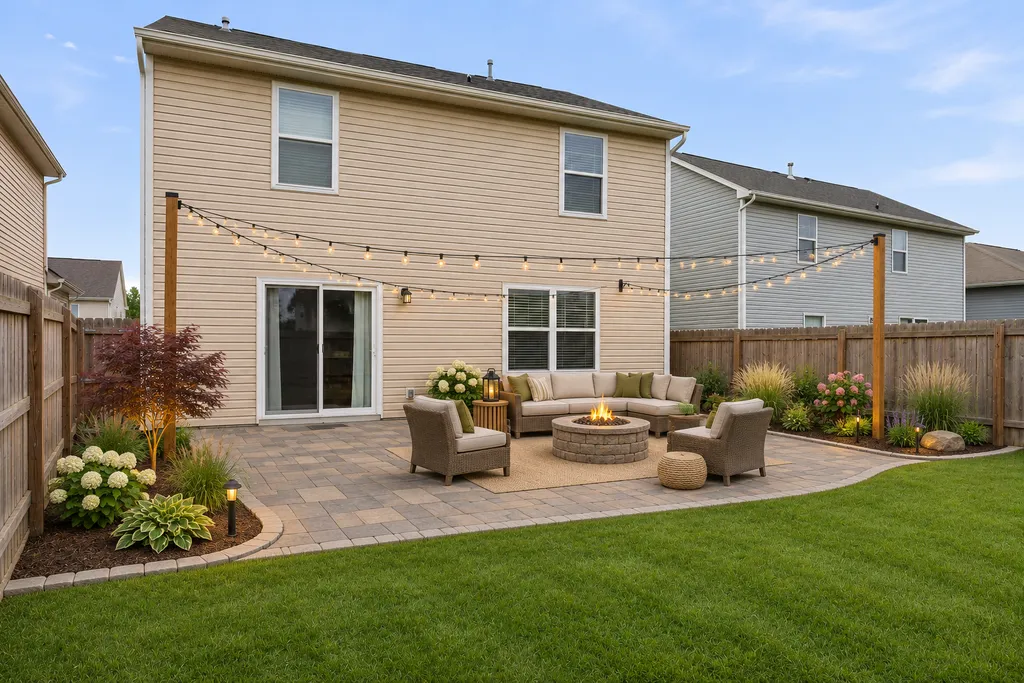
Redesign the whole house above, or plan just the paint or just the yard with the tools built for them.
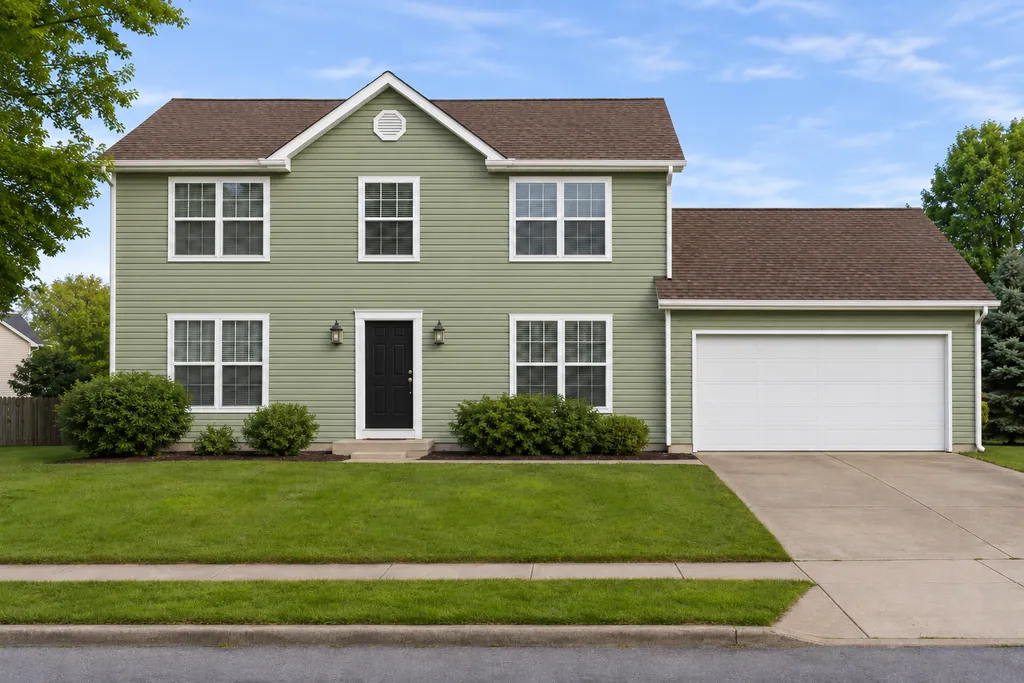
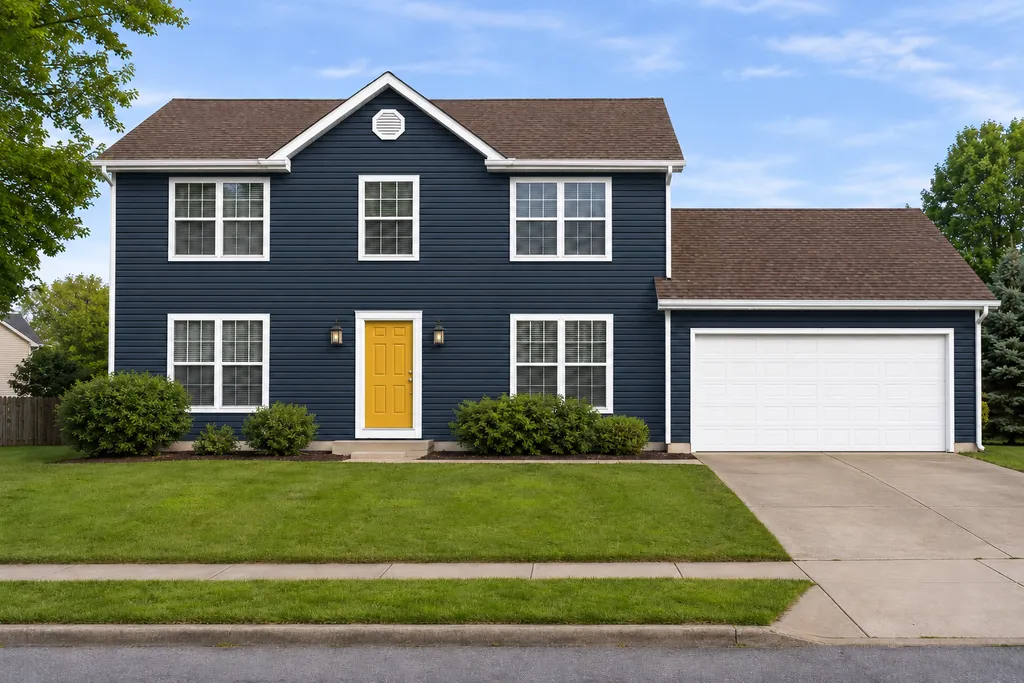
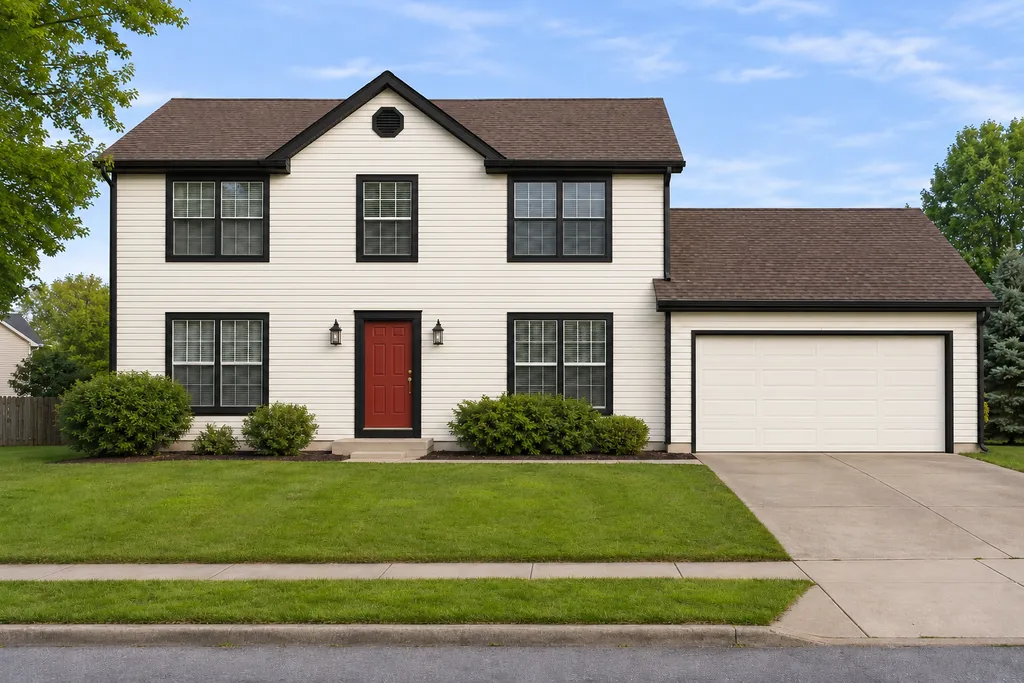
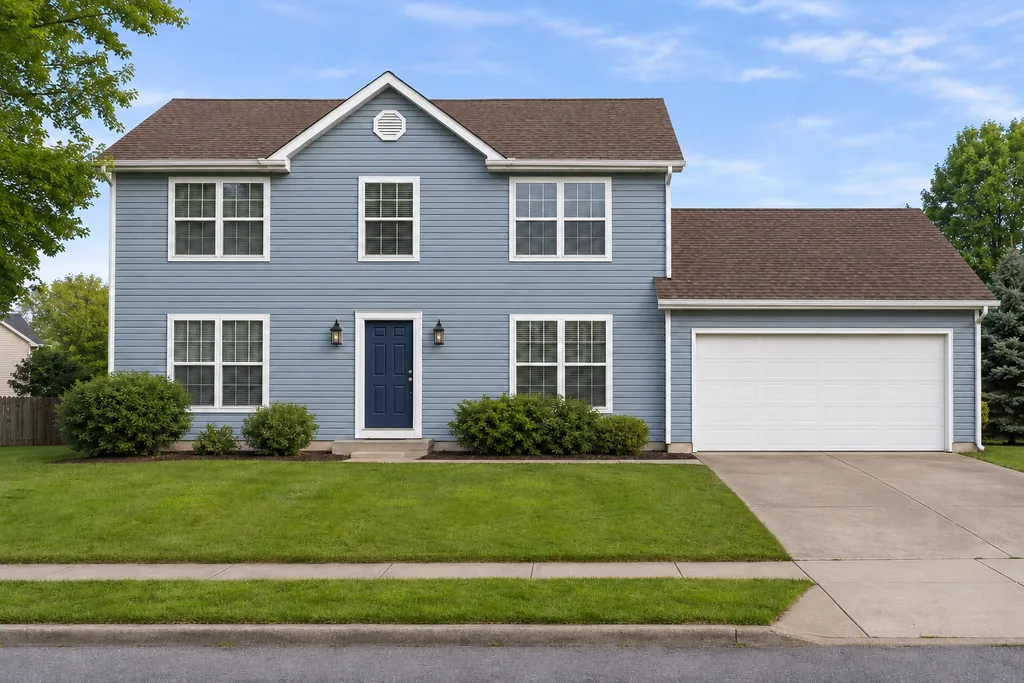
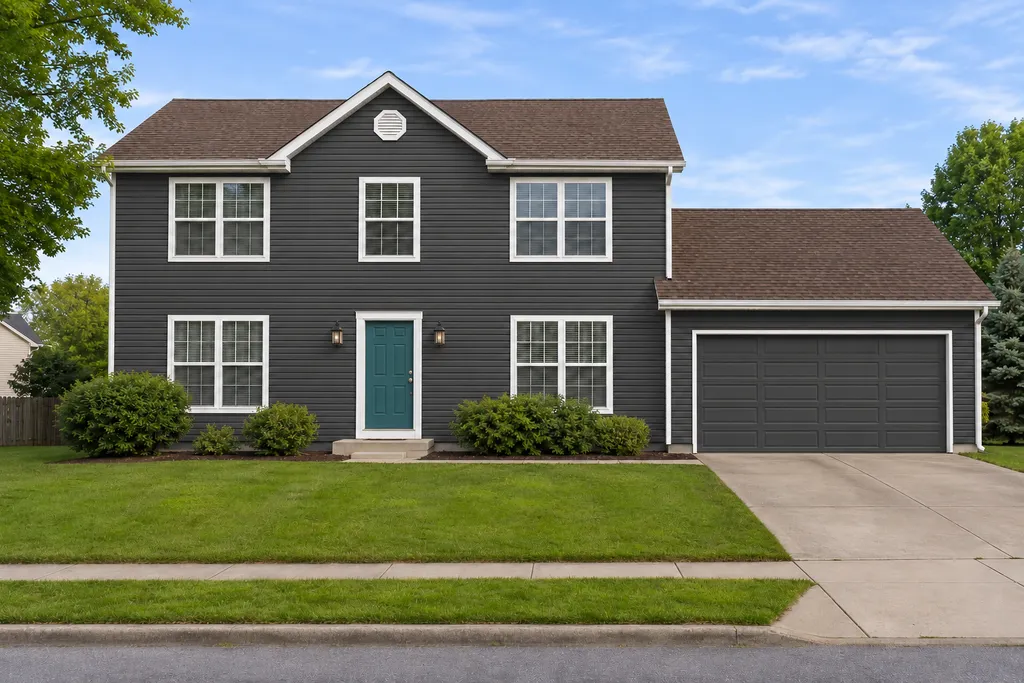
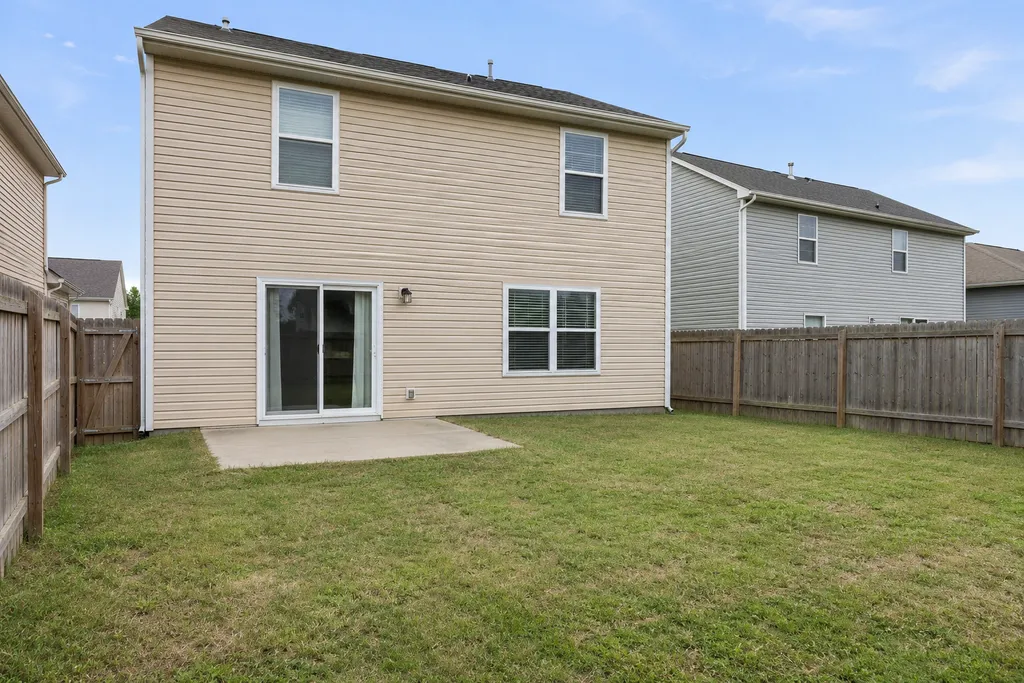
How AI house exterior design works
The AI keeps the parts of your house that would be expensive to change, like the roofline and window positions, and redesigns what a typical exterior renovation touches: siding, trim, colors, front door and light fixtures.
- 1
Upload a photo of your house
A straight-on daytime photo of the front works best. A phone photo is fine.
- 2
Pick a style
Modern farmhouse, craftsman, coastal, modern and more. Add notes if you like, such as "add a covered porch".
- 3
Compare before and after
Drag the slider over the result, try another style, and download the ones you like.
Exterior styles you can try
Eight looks to start from. Each one keeps your house and changes the materials and colors.
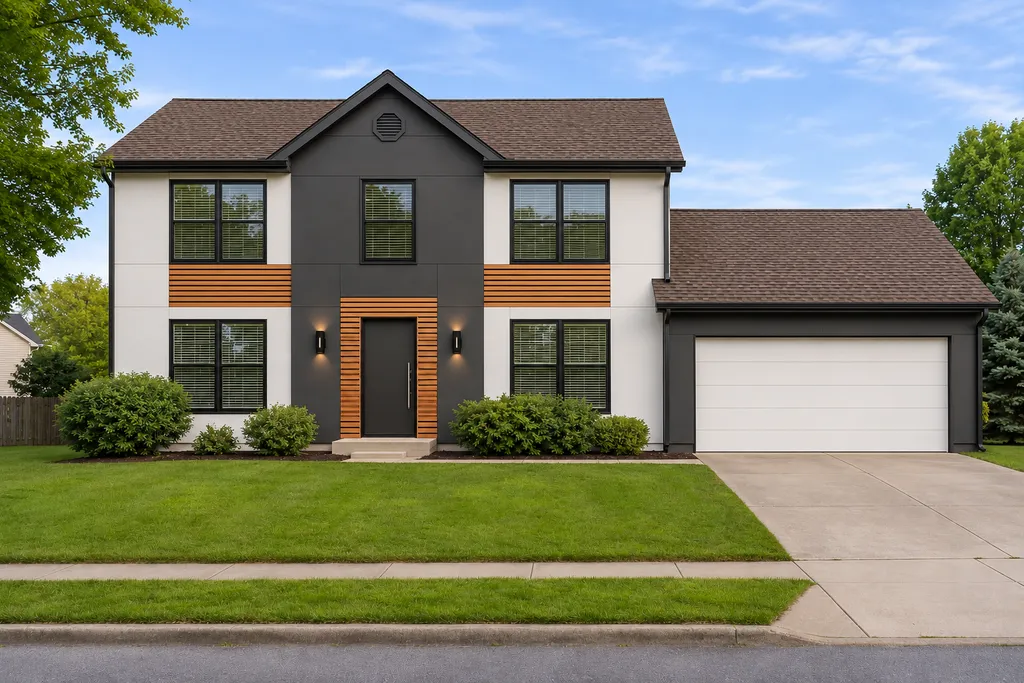
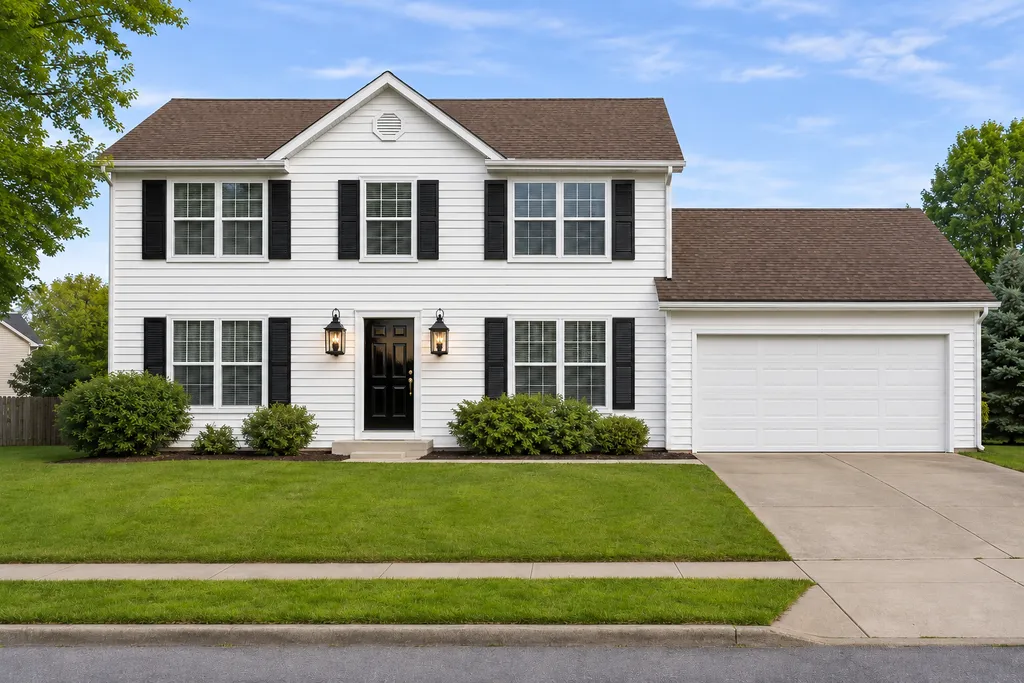
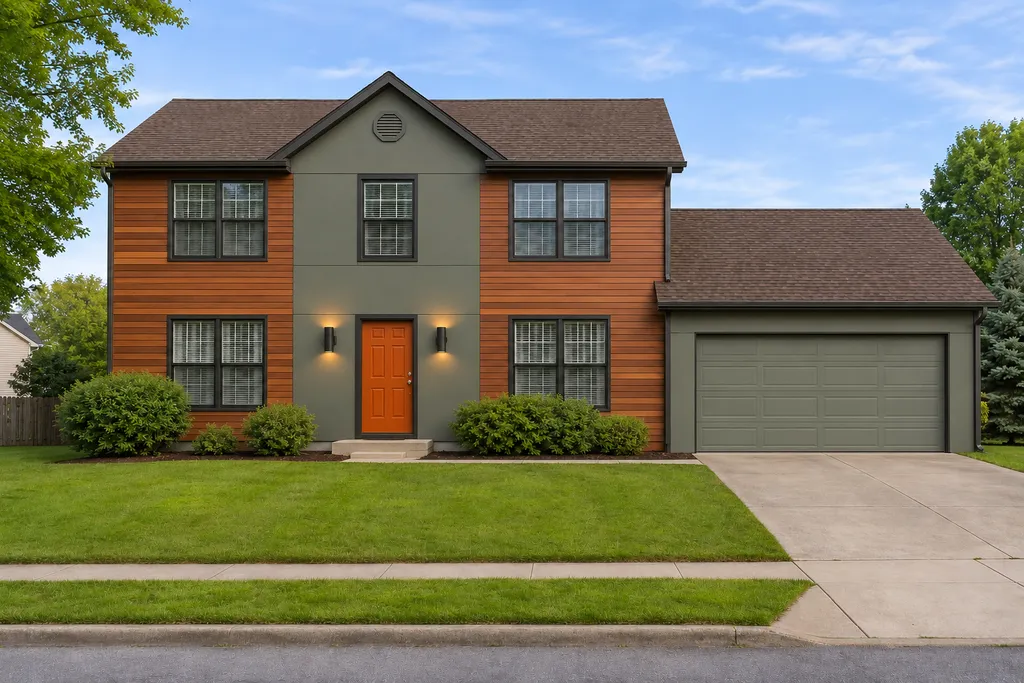
Example photos are AI-generated sample houses, not customer homes.
Plan your exterior remodel before you spend
New siding, paint and a front door can cost thousands of dollars, and it's hard to picture the result from a small sample. A free AI home exterior design lets you see your actual house in a new style first, so you can rule out ideas in minutes instead of after the work is done.
It also makes the conversation with your contractor easier: instead of describing a look, show them the design and ask what it would take to build.
The usual way
Hiring it out
- A designer's rendering can take days
- Each extra version costs more
- Hard to picture from a small sample
With CurbMuse
 CurbMuse
- A new design in about 15 seconds
- Try every style on the same photo
- Your own house, before and after
What makes a good AI exterior design tool
That's what CurbMuse is built around.
Starts from your photo
Not a stock house. You see your own home, from your own street.
Keeps your home's structure
Roofline, windows and doors stay put, so the result is something you could build.
Before and after
Drag the slider to compare the new look with your house today.
Clear pricing
3 free credits to start, then packs from $9. No surprise subscription.
Works on your phone
Take the photo and design on the spot. Nothing to install.
Private by default
Your photo is only used to make your design. We never show it publicly.
Simple pricing: pay for what you use
One credit makes one AI design, or scans one house photo in the paint visualizer. After a scan you can try as many paint colors on that photo as you like.
Starter pack
$9one-time
40 credits
- About $0.23 per design
- No subscription
- Full-size downloads
Plus pack
Best value$19one-time
100 credits
- About $0.19 per design
- No subscription
- Full-size downloads
Contractor
$39per month
400 credits / month
- For painters, landscapers and remodelers
- Use designs in quotes and proposals
- Cancel anytime
Frequently asked questions
Something else? Email hello@curbmuse.com.
Is this AI home exterior design tool free?
Yes, you can try it free. Every new account gets 3 free credits, and one credit makes one AI design of your house. If you want more designs, credit packs start at $9 with no subscription.
How does AI house exterior design work?
You upload a photo of the front of your house and pick a style. The AI keeps your house's shape, roofline, windows and doors, and redraws the siding, trim, colors and fixtures in that style. You get a realistic photo of your own house with a new exterior in about 10 to 20 seconds.
What is the best AI for exterior home design?
Look for a tool that works from a photo of your real house, keeps its structure the same, lets you compare before and after, and is clear about pricing. Generic AI image apps can make pretty pictures, but they often change the shape of the house, which makes the result useless for planning.
Can I use AI to plan an exterior remodel?
Yes. An AI exterior design is a quick way to compare ideas before you pay a designer or contractor: try a few styles, keep the one you like and show it to your contractor as a reference. It's a visual idea, not a construction plan, so check materials, sizes and costs with a professional.
Is there an app for AI exterior house design?
CurbMuse works in the browser on your phone, tablet or computer, so there's nothing to install. On a phone you can take the photo and design right away.
What kind of photo works best?
Stand across the street in daylight and take a straight-on photo with the whole front of the house in view. Avoid strong shadows, cars blocking the house and very wide-angle lenses.
Will the AI change the shape of my house?
It's told to keep the shape, roofline, windows and doors exactly as they are. Now and then it may still move or add a detail. If that happens, run the design again or describe what to keep in the optional notes box.
Can I change only the paint colors or only the yard?
Yes. Use the paint tool to recolor just the siding, trim or front door with exact colors, or the landscape tool to redesign only the front yard, backyard or garden.
What happens to my photos?
Your photo is sent to our AI image provider only to create your design. We don't sell your photos or show them publicly.
See your house in a new style today
Upload one photo and try modern farmhouse, coastal, craftsman and more. Free to start.
Upload a photo